
Surf
Deta
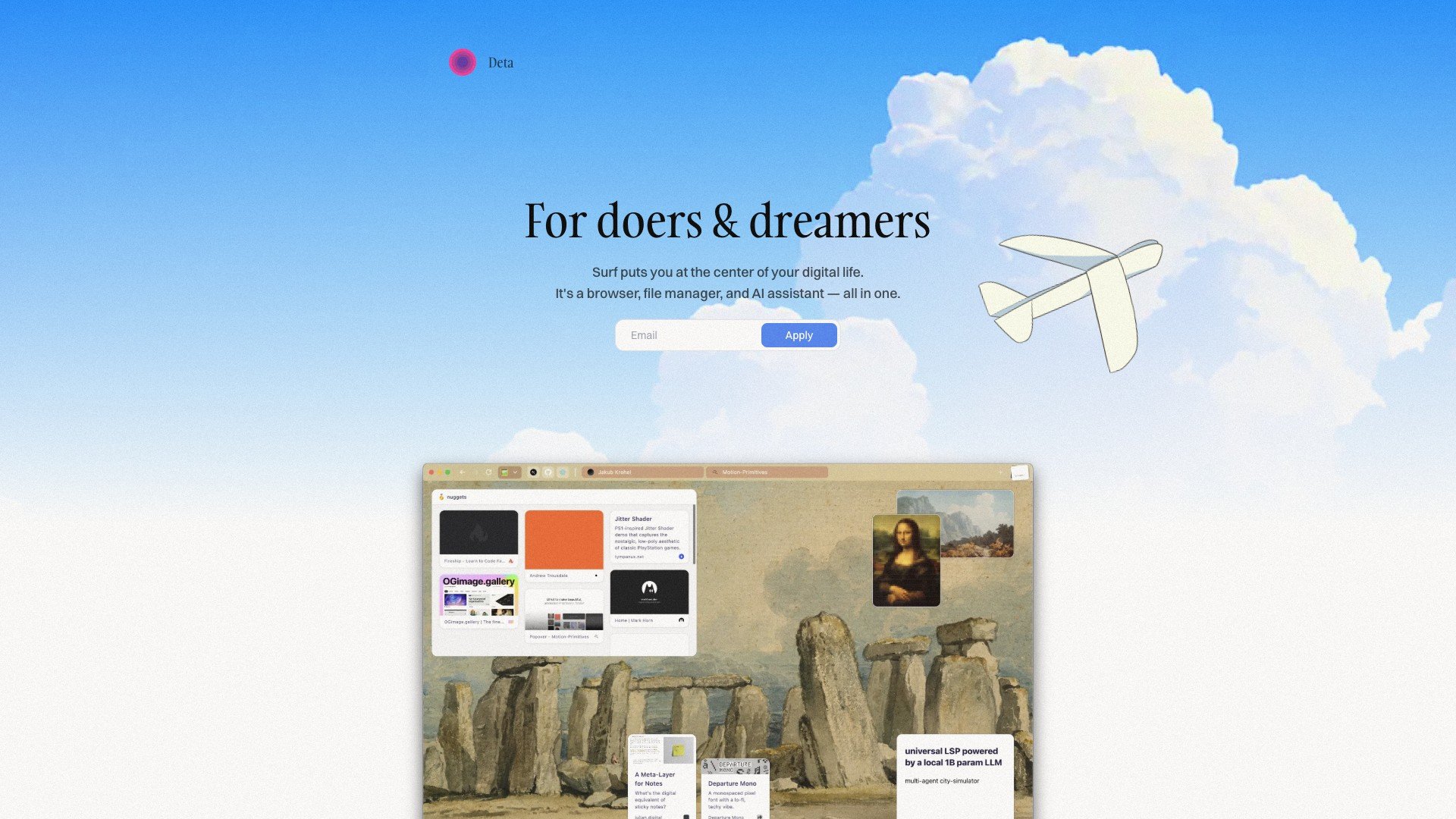
All-in-one tool integrating browser, file management and AI assistant
Product Introduction
Overview
Deta Surf is a comprehensive application that integrates browser, file manager and AI assistant, developed by Deta, aiming to provide users with a simple and efficient digital work environment.
Key Highlights
- Integrated Browser: Users can browse web pages directly in Deta Surf without opening external browsers
- File Management: Supports file management within the app, including saving, searching and viewing
- AI Assistant: Has personalized chat features, can quickly process large amounts of information
- Intelligent Organization: Quickly find needed information through simple drawing or questioning
- Local Storage: All user data is first stored on local devices
Target Users
Main Features
Integrated Browser
Users can browse web pages directly in Deta Surf without opening external browsers, improving convenience.
Key Benefits:
- One-stop work environment
- Seamless switching experience
- Reduce app switching
- Improve work efficiency
- Unified interface design
File Management
Supports file management within the app, including saving, searching and viewing, simplifying file management processes.
Key Benefits:
- Built-in file manager
- Intelligent file search
- Fast file access
- Clear organizational structure
- Multi-format file support
AI Assistant
Has personalized chat features, can quickly process large amounts of information, helping users efficiently complete complex tasks.
Key Benefits:
- Intelligent information processing
- Personalized conversation experience
- Complex task assistance
- Rapid information retrieval
- Learn user habits
Intelligent Organization
Quickly find needed information through simple drawing or questioning, achieving self-organization and efficient management.
Key Benefits:
- Visual information organization
- Rapid information positioning
- Intelligent search suggestions
- Knowledge graph construction
- Efficient information management
Local Storage
All user data is first stored on local devices, ensuring data security and privacy.
Key Benefits:
- Local data priority
- Enhanced privacy protection
- Offline access capability
- Data control
- Secure storage guarantee
Usage Guide
System Requirements
- Modern operating system
- Internet connection
- Browser support
Installation Steps
- 1Visit Deta Surf official website
- 2Download installation package for your system
- 3Run installer and complete initialization
- 4Set up account on first use
Basic Usage
- Launch Deta Surf application
- Use integrated browser for web browsing
- Save and organize file content
- Interact with AI assistant through dialogue
- Use intelligent search features to find information
Advanced Features
- Create custom workspaces
- Set AI assistant personalization preferences
- Configure file organization rules
- Integrate third-party tools
- Advanced search and filter settings
Use Cases
Comprehensive Application Scenarios
Deta Surf is particularly suitable for user groups who need to process large amounts of information and files, such as students, engineers and designers. Its integrated features and intelligent organization capabilities help improve work efficiency and simplify workflows.
Typical Applications:
- Academic research material organization
- Centralized project file management
- Creative design material organization
- Personal knowledge base construction
- Team collaboration information sharing
Technical Features
Integrated Browser
Built-in complete browser functionality
File Management
Powerful file management system
AI Assistant
Intelligent AI dialogue assistant
Intelligent Organization
Intelligent information organization and search
Local Storage
Local-first data storage
Pros
- Comprehensive integrated features
- Practical AI assistant
- Simple user interface
- Secure local storage
- Work efficiency improvement
Cons
- Complex interface
- Relatively high resource usage
- Learning curve exists