
Dia
Arc Team
AI browser launched by Arc team, integrating multiple AI features to enhance browsing experience
Product Introduction
Overview
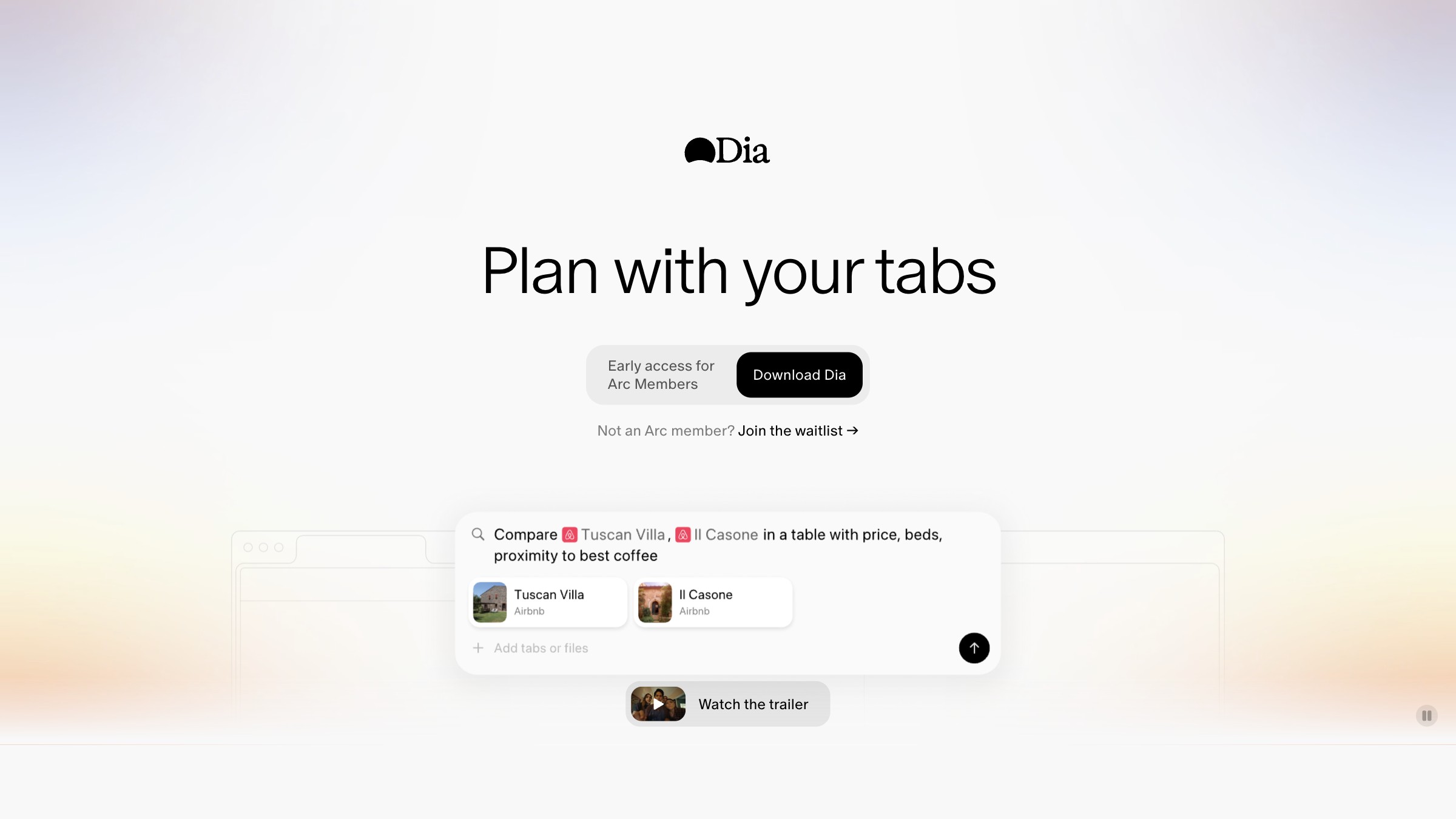
Dia is an AI-driven intelligent browser launched by the Arc team, representing the future development trend of browsers. By integrating advanced AI technology, Dia can intelligently understand user browsing behavior and provide personalized browsing experience. Dia integrates advanced features such as interactive AI text generation, automated task execution, and complex workflow automation, making browsing more efficient and intelligent.
Key Highlights
- Exquisite design crafted by Arc team
- Interactive AI text generation feature
- Automated task execution and complex workflows
- AI memory and agent integration
- Intelligent web content processing and analysis
Target Users
Main Features
Interactive AI Text Generation
Dia introduces interactive insertion markers, allowing users to generate text directly in the browser based on instructions, like an AI chatbot embedded in the cursor.
Key Benefits:
- Seamless content creation experience
- No need to switch application context
- Real-time AI text generation
- Intelligent content insertion and editing
Automated Task Execution
The browser can autonomously execute tasks, such as navigating to specific documents and sending them through the user's preferred email platform. Users enter instructions in the address bar, and Dia automatically executes them.
Key Benefits:
- Reduce manual operation steps
- Improve work efficiency
- Automate repetitive tasks
- Intelligent task planning and execution
Complex Workflow Automation
Dia can handle complex tasks, including adding products to shopping carts on e-commerce websites, or sending personalized messages to multiple recipients, simplifying complex workflows.
Key Benefits:
- Automate complex business processes
- Reduce manual errors
- Improve processing efficiency
- Support multi-step task execution
AI Memory and Agent Integration
Combining Arc's sidebar mode with AI-native features like memory and agents, Dia provides a coherent browsing experience that adapts to user preferences and behavior.
Key Benefits:
- Intelligent memory of user preferences
- Personalized agent services
- Adapt to user behavior
- Continuous learning and optimization
Intelligent Web Content Processing
AI can intelligently analyze and process web content, providing summarization, key information extraction, and content restructuring features.
Key Benefits:
- Intelligent content summarization
- Key information extraction
- Content quality assessment
- Personalized content recommendations
Usage Guide
System Requirements
- macOS operating system (latest version)
- Stable internet connection
- Arc browser account (recommended)
- At least 4GB available memory
Installation Steps
- 1Visit Arc official website
- 2Download Dia browser installation package
- 3Run the installer to complete setup
- 4First launch to set up account and AI configuration
Basic Usage
- Launch Dia browser
- Enter instructions in the address bar to experience automated tasks
- Use interactive insertion markers to generate text content
- Experience AI agent and memory features
- Try complex workflow automation
Advanced Features
- Configure AI agent personalization settings
- Set up complex automated workflows
- Customize memory and learning preferences
- Manage multiple accounts and permission settings
Use Cases
Intelligent Content Creation
Use interactive AI text generation features to improve content creation efficiency and quality.
Typical Applications:
- Intelligent blog post writing
- Quick email content generation
- Social media copy creation
- Report and document writing
Automated Office Workflows
Simplify daily office tasks through automated task execution and complex workflow features.
Typical Applications:
- Automatically send meeting invitations
- Intelligently organize work documents
- Automated data entry
- Cross-platform information synchronization
Personalized Agent Services
Use AI memory and agent features to provide personalized intelligent service experience.
Typical Applications:
- Intelligent schedule management
- Personalized news recommendations
- Smart shopping assistant
- Personalized learning planning
Complex Business Processes
Handle complex business scenarios, such as e-commerce operations and multi-party communication.
Typical Applications:
- E-commerce automated shopping
- Batch email sending
- Customer information management
- Project collaboration optimization
Intelligent Information Processing
Use AI intelligent web content processing features to improve information acquisition and processing efficiency.
Typical Applications:
- Intelligent web content summarization
- Automatic key information extraction
- Content quality assessment
- Personalized information filtering
Technical Features
AI Web Analysis
Intelligent web content analysis
Automated Tasks
Automatically execute web tasks
Smart Search
AI-enhanced search features
Personalized Recommendations
Recommendations based on usage habits
Privacy Protection
Enhanced privacy controls
Pros
- Arc team product, beautifully designed
- Powerful AI features
- User-friendly interface
- Many innovative features
Cons
- macOS only
- Features still being refined
- Pricing not transparent