
Quark
Alibaba
An intelligent application launched by Alibaba that integrates AI search, cloud storage, and document creation
Product Introduction
Overview
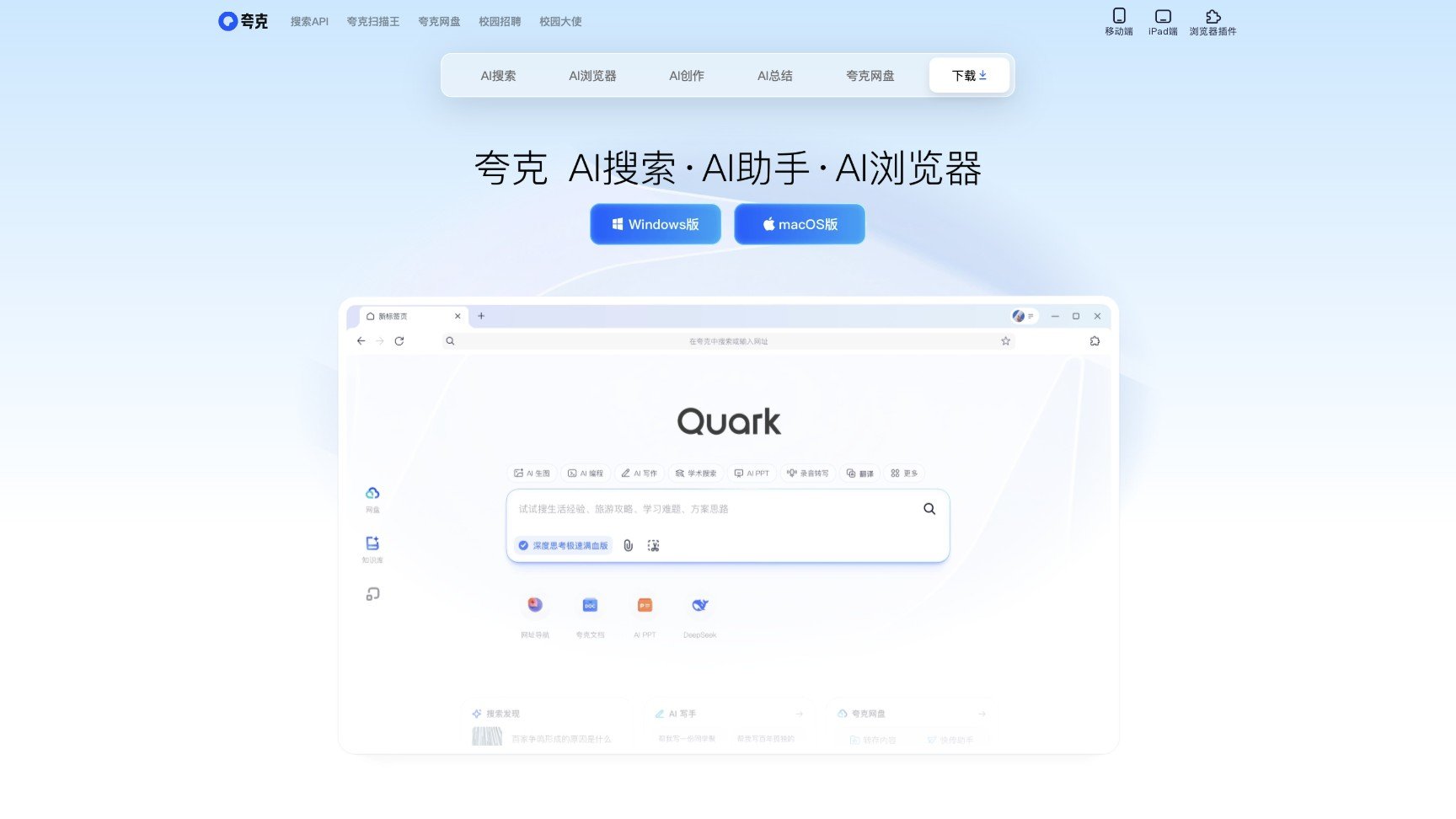
Quark Browser is an intelligent application launched by Alibaba that integrates AI search, cloud storage, document creation and other functions, aiming to provide efficient and intelligent search and creation experiences through AI technology.
Key Highlights
- Smart Search: Based on AI engine, Quark can quickly understand user intent, provide accurate search results, and support content search in multiple forms such as text, images, and videos
- AI Creation: Provides powerful AI creation tools, supporting rapid generation and editing of various documents such as articles, copywriting, PPT, resumes, etc.
- Document Processing: Supports format conversion such as PDF to Word, Excel, PPT, etc., with high-fidelity layout restoration
- Quark Cloud Storage: Provides 6T ultra-large storage space, supports ultra-fast download and 100G large file lossless transmission
- Multi-device Collaboration: Supports seamless collaboration between mobile phones, tablets and PCs
Target Users
Main Features
Smart Search
Based on AI engine, Quark can quickly understand user intent, provide accurate search results, and support content search in multiple forms such as text, images, and videos.
Key Benefits:
- Quick understanding of user intent
- Accurate search results
- Multimedia content support
- Intelligent content recommendations
- Efficient information acquisition
AI Creation
Provides powerful AI creation tools, supporting rapid generation and editing of various documents such as articles, copywriting, PPT, resumes, etc. Users only need to input topics or requirements, and AI can generate high-quality content.
Key Benefits:
- Multiple document type support
- High-quality content generation
- Rapid creation assistance
- Editing and optimization features
- Significantly improved creation efficiency
Document Processing
Supports format conversion such as PDF to Word, Excel, PPT, etc., with high-fidelity layout restoration, convenient for users to view and edit documents.
Key Benefits:
- Multi-format conversion support
- High-fidelity layout restoration
- Convenient viewing and editing
- High file processing efficiency
- Good compatibility
Quark Cloud Storage
Provides 6T ultra-large storage space, supports ultra-fast download and 100G large file lossless transmission, ensuring secure data storage and fast access for users.
Key Benefits:
- 6T ultra-large storage space
- Ultra-fast download capability
- Large file lossless transmission
- Secure data storage
- Fast access experience
Multi-device Collaboration
Supports seamless collaboration between mobile phones, tablets and PCs, convenient for users to view and edit files on different devices.
Key Benefits:
- Seamless multi-device collaboration
- Cross-device file synchronization
- Real-time editing and viewing
- Workflow continuity
- Seamless switching between devices
Usage Guide
System Requirements
- Supported operating systems: iOS, iPadOS, Android, Windows, Mac
- Network connection: Stable internet connection
- Storage space: Reserve sufficient space according to usage needs
- Device compatibility: Modern smartphones, tablets or computers
Installation Steps
- 1Visit app store or official website
- 2Search for "Quark" app
- 3Download and install the latest version
- 4Complete account registration and settings on first launch
Basic Usage
- Open Quark app, use smart search features
- Experience AI creation tools, generate various documents
- Upload documents for format conversion
- Use cloud storage features to store and manage files
- Synchronize data and files across multiple devices
Advanced Features
- Set personalized search preferences
- Customize AI creation templates
- Configure cloud storage synchronization rules
- Manage multi-device collaboration settings
- Integrate third-party services and tools
Use Cases
Learning Scenarios
Students can quickly find learning materials, summarize documents and create study notes to improve learning efficiency.
Typical Applications:
- Find academic materials
- Summarize study notes
- Create presentations
- Organize learning materials
- Generate learning reports
Work Scenarios
Professionals can efficiently process files, write reports and create presentations to improve work efficiency.
Typical Applications:
- Process office documents
- Write work reports
- Create presentations
- File format conversion
- Team file sharing
Life Scenarios
Users can use Quark's search function to find life information and use cloud storage to store personal data.
Typical Applications:
- Find life information
- Store personal data
- Manage digital assets
- Search practical information
- Daily file organization
Creation Scenarios
Content creators can quickly generate articles, copywriting and PPTs to inspire creativity.
Typical Applications:
- Generate article content
- Create advertising copy
- Create presentations
- Design resume templates
- Develop creative content
Technical Features
AI Search
Smart search and content recommendations
AI Creation
AI-assisted content creation
Document Processing
Multi-format document conversion
Cloud Storage
Cloud file storage and management
Multi-device Collaboration
Cross-device data synchronization
Smart Translation
Multi-language real-time translation
Voice Assistant
Voice interaction features
Pros
- Backed by Alibaba, stable and reliable
- Rich features, high integration
- Completely free to use
- Excellent Chinese optimization
- Perfect multi-device collaboration
Cons
- Features are relatively complex
- Higher learning curve
- Some features require network
- Interface design is relatively traditional