
Comet
Perplexity
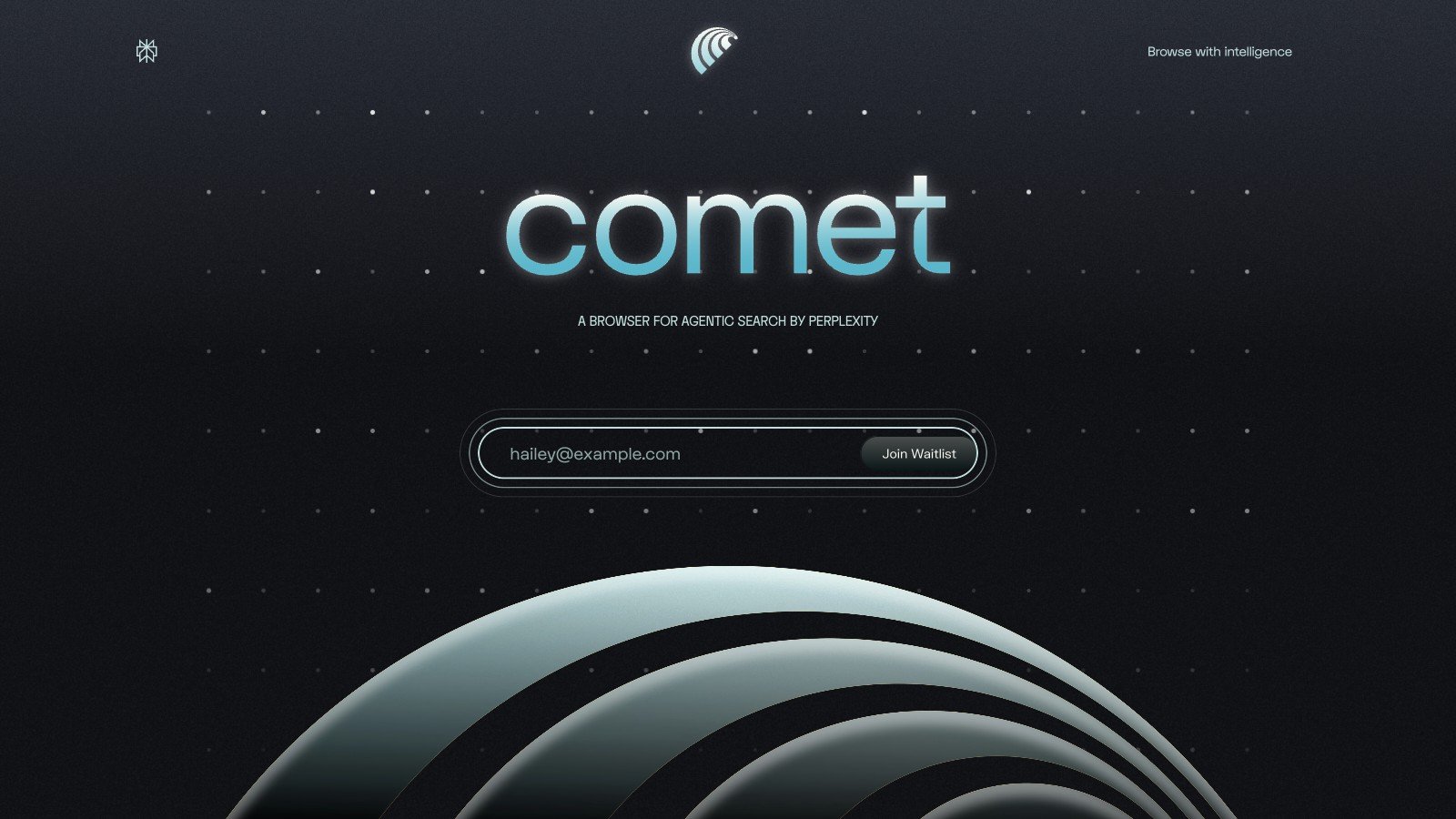
AI browser launched by Perplexity, currently in beta
Product Introduction
Overview
Comet Browser is an AI-driven browser developed by Perplexity AI, aiming to redefine users' search and browsing experience through integrated artificial intelligence technology.
Key Highlights
- AI Assistant: Built-in Comet Assistant can understand web content in real-time, providing automatic summarization, answering questions, executing search commands and other functions
- Privacy Protection: Blocks trackers and intrusive elements by default, provides clear permission prompts
- Efficient Performance: Optimized startup speed and smooth tab switching
- Productivity Shortcuts: Quickly execute operations such as summarization, rewriting or translation through keyboard shortcuts
- Research Assistant: Help users collect insights, compare sources and create concise notes
Target Users
Main Features
AI Assistant
Built-in Comet Assistant can understand web content in real-time, providing automatic summarization, answering questions, executing search commands and other functions to improve browsing efficiency.
Key Benefits:
- Real-time content understanding
- Automatic summarization generation
- Intelligent Q&A interaction
- Search command execution
- Context-aware assistance
Privacy Protection
Blocks trackers and intrusive elements by default, provides clear permission prompts, ensuring user privacy and security.
Key Benefits:
- Default privacy protection
- Automatic tracker blocking
- Clear permission prompts
- Data security guarantee
- Transparent privacy controls
Efficient Performance
Optimized startup speed and smooth tab switching, providing fast browsing experience.
Key Benefits:
- Fast startup speed
- Smooth tab switching
- Optimized performance
- Efficient resource usage
- Fast response speed
Productivity Shortcuts
Quickly execute operations such as summarization, rewriting or translation through keyboard shortcuts without leaving the current page.
Key Benefits:
- Keyboard shortcut operations
- Rapid content processing
- No page switching required
- Improve work efficiency
- Simplified operation flow
Research Assistant
Help users collect insights, compare sources and create concise notes, suitable for students, analysts and knowledge workers.
Key Benefits:
- Automatic insight collection
- Source comparison analysis
- Intelligent note generation
- Research process assistance
- Knowledge organization optimization
Usage Guide
System Requirements
- Modern web browser
- Stable internet connection
- Perplexity account (Max subscription recommended)
- Keyboard support environment
Installation Steps
- 1Visit Comet official website
- 2Register or log in to Perplexity account
- 3Download browser extension or use web version
- 4Complete initial setup and configuration
Basic Usage
- Install and launch Comet browser
- Use AI assistant features while browsing
- Use keyboard shortcuts for quick operations
- Experience privacy protection features
- Create and manage research notes
Advanced Features
- Customize AI assistant preference settings
- Configure keyboard shortcut combinations
- Set privacy protection rules
- Manage research projects and notes
- Integrate Perplexity advanced features
Use Cases
Office and Efficiency
Write drafts, summarize reports, organize notes, suitable for teams and individuals who want to improve efficiency through AI browsers.
Typical Applications:
- Document draft writing
- Report content summarization
- Intelligent note organization
- Meeting record processing
- Email content optimization
Learning and Research
Read long articles, extract key points, compare sources, help students and researchers quickly form outlines and citations.
Typical Applications:
- Academic paper reading
- Intelligent key point extraction
- Source comparison analysis
- Research outline generation
- Automatic citation organization
Daily Browsing
Translate web pages, reduce page noise, make choices faster; like a smart assistant that accompanies you.
Typical Applications:
- Intelligent web page translation
- Page noise filtering
- Decision assistance suggestions
- Browsing efficiency improvement
- Personalized experience
Content and Email
Polish expressions, correct grammar, generate replies in context without frequently switching applications.
Typical Applications:
- Content expression polishing
- Automatic grammar correction
- Email reply generation
- Writing assistance improvement
- Communication efficiency improvement
Technical Features
AI Assistant
Intelligent AI assistant real-time assistance
Privacy Protection
Enhanced privacy and security features
Efficient Performance
Optimized browsing performance
Productivity Tools
Keyboard shortcuts and productivity features
Research Assistant
Intelligent research and note features
Pros
- Perplexity brand endorsement
- Excellent AI search experience
- Free to use
- Strong privacy protection
- Rich productivity features
Cons
- Beta stage
- Incomplete features
- Requires Perplexity account
- Advanced features require subscription