
Simular
Simular Team
4.4
380 reviews
macOS-native agent browser
Platform
macOS
Pricing
Free
Launched
2024
Company
Simular Team
macOS NativeAgentLocal Operation
Product Introduction
Overview
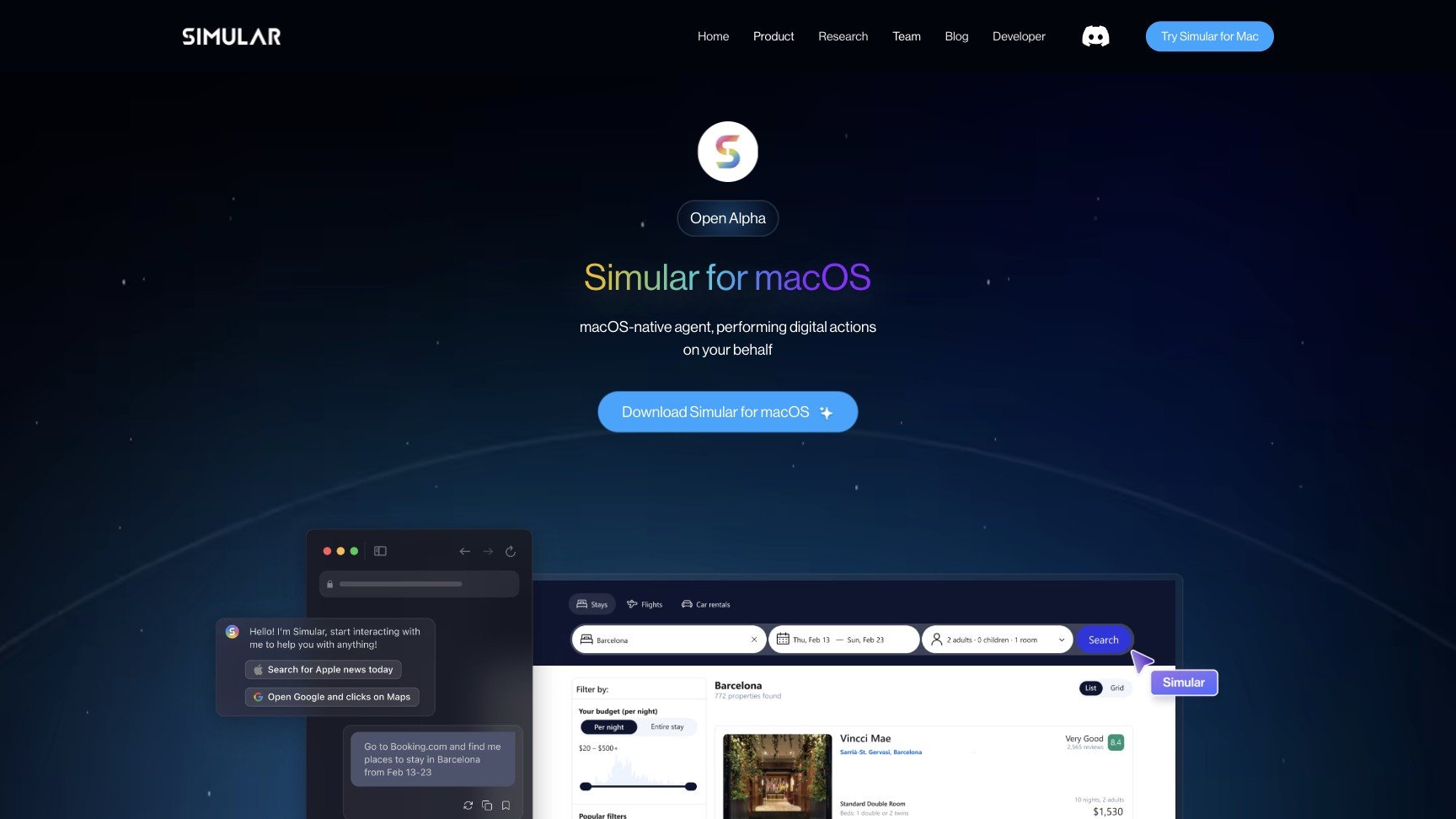
Simular is a macOS-native AI agent browser that supports natural language commands and multi-tab parallel browsing, providing locally running AI agent functionality.
Key Highlights
- macOS native application
- Natural language processing
- Multi-tab parallel browsing
- Local AI agent operation
- Python API support
Target Users
macOS usersDevelopers who need automated browsingAI agent users
Main Features
Agent Browsing
Control browser through natural language commands
Key Benefits:
- Natural language interaction
- Automated tasks
- Multi-tab parallel
- Local operation
Usage Guide
System Requirements
- macOS 15.0+
Installation Steps
- 1Visit Simular official website
- 2Download macOS version
- 3Install and launch
Basic Usage
- Use natural language commands
- Execute browsing tasks
- Manage multiple tabs
Advanced Features
- Python API integration
- Custom automation
- Local AI models
Use Cases
Automated Browsing
Automate browsing tasks through AI agents
Typical Applications:
- Research tasks
- Product comparison
- Data collection
- Automated operations
Pros
- macOS native application
- Local AI operation
- Natural language interaction
- Python API support
- Multi-tab parallel browsing
Cons
- macOS only
- Requires macOS 15.0+
- Features are relatively specialized
- Higher learning curve
- Small user base
Quick Stats
Rating
4.4
Reviews380
PricingFree
Launched2024
AI Models
Other
Supported Platforms
macOS